 HEADWALL
One timer, from your pocket to the whole room.
Headwall is a workout timer. Run it on your iPhone for yourself, with your heart rate beside the clock — or put it on the big screen and let a whole room follow it. No account, no cloud, and no internet: it works on the gym's Wi-Fi, or on no network at all.
On your own
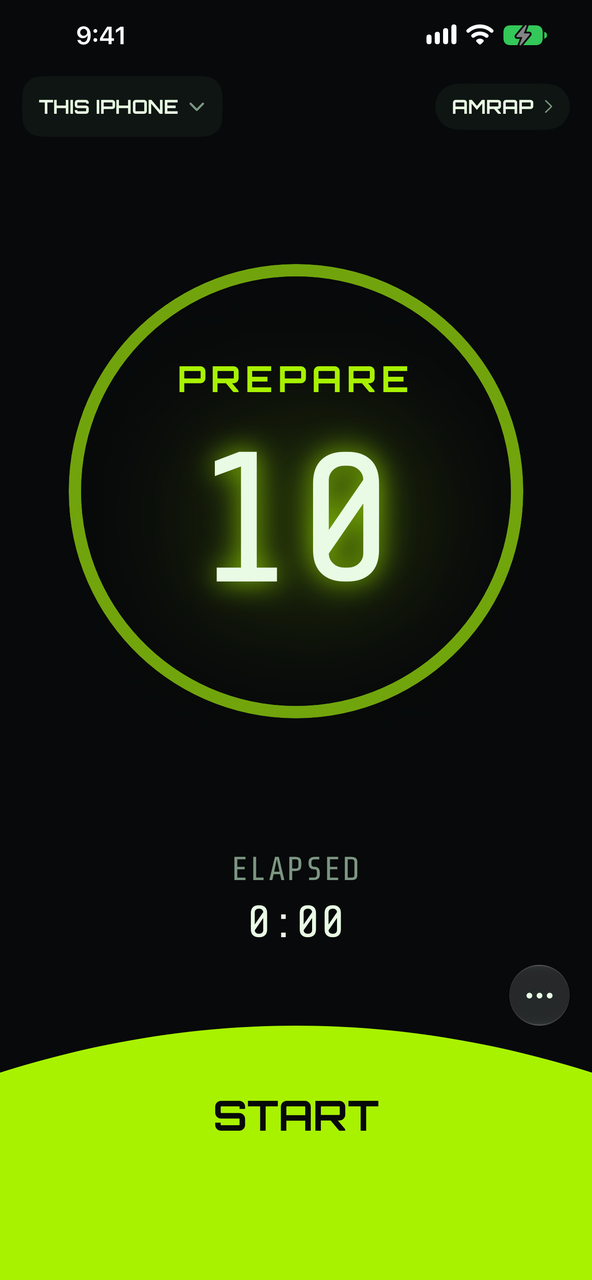
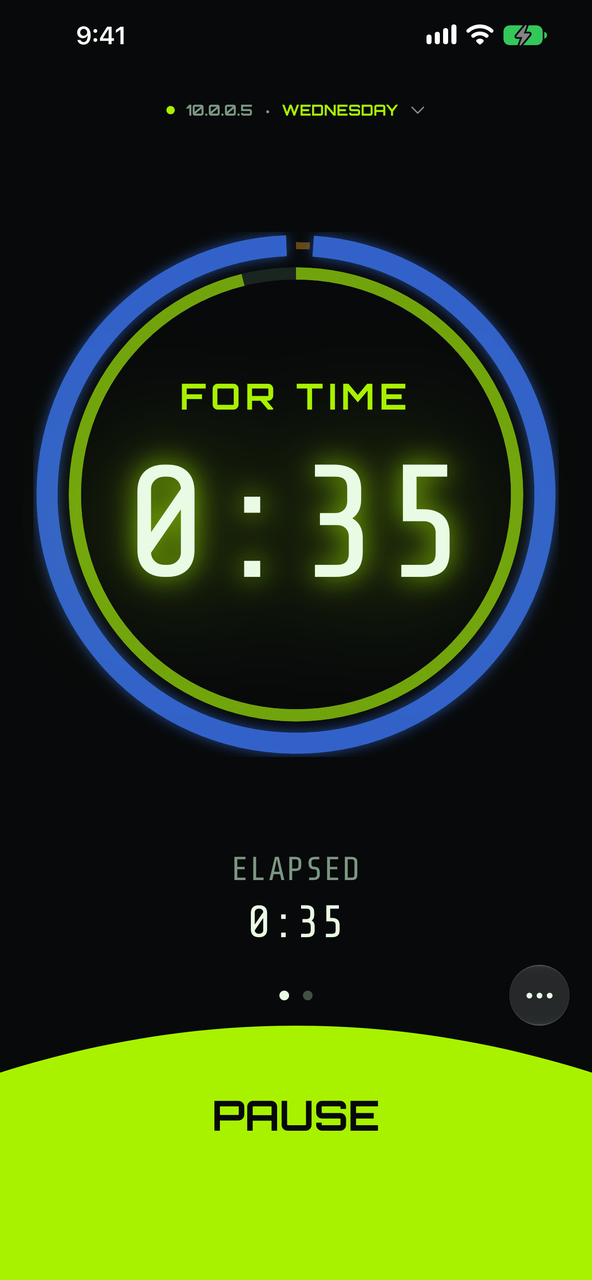
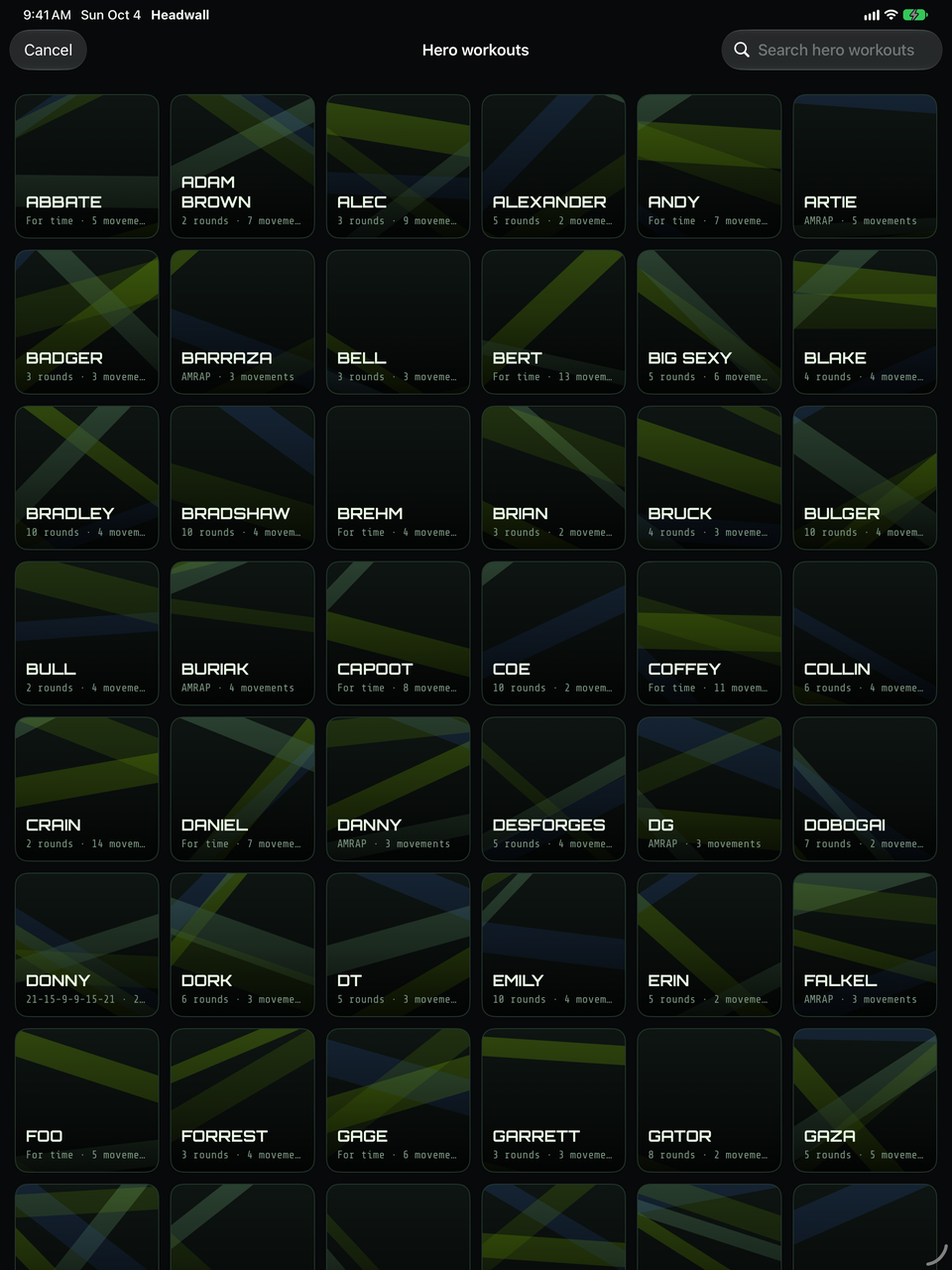
The timer is in the app. Pick a mode — AMRAP, EMOM, TABATA, FOR TIME, STRENGTH — or a workout from the library you keep on the phone, and start. Nothing to pair, no hardware to buy, no network to be on: the phone is the timer.
And the workout doesn't have to be typed in. Photograph the whiteboard, paste the coach's message, or share a screenshot to Headwall, and it becomes a workout you check and run — read on the phone, with nothing uploaded. How importing works.
More about Headwall for iPhone and iPad. In testing now, not yet on the App Store — get in touch if you want in.
Your heart rate, beside the clock
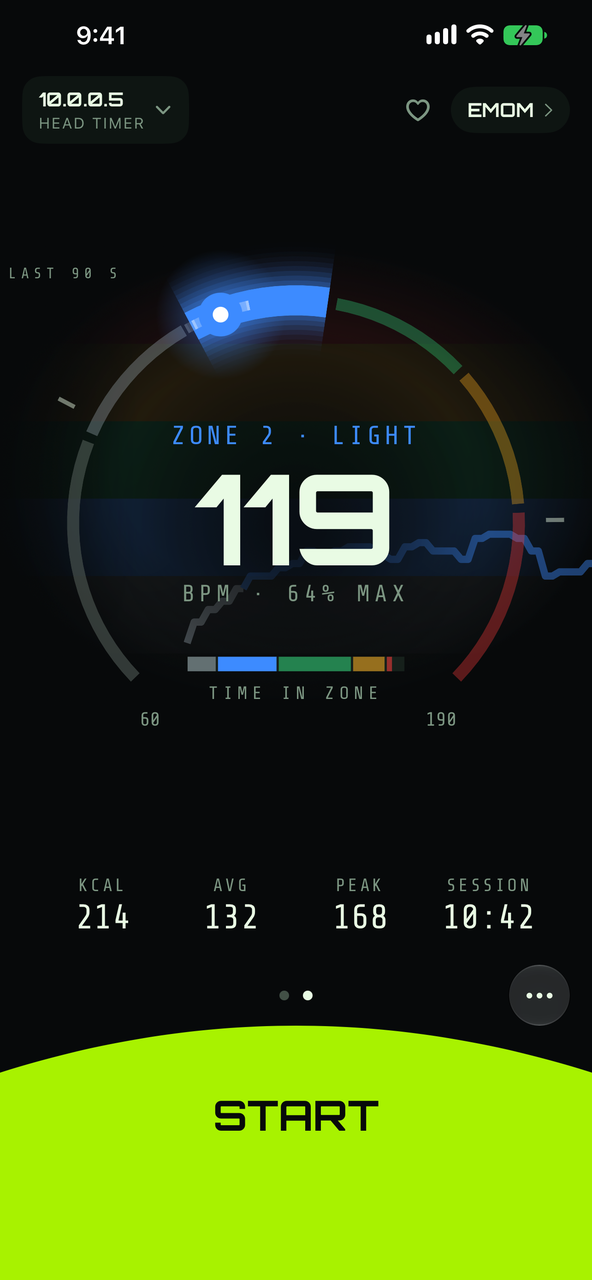
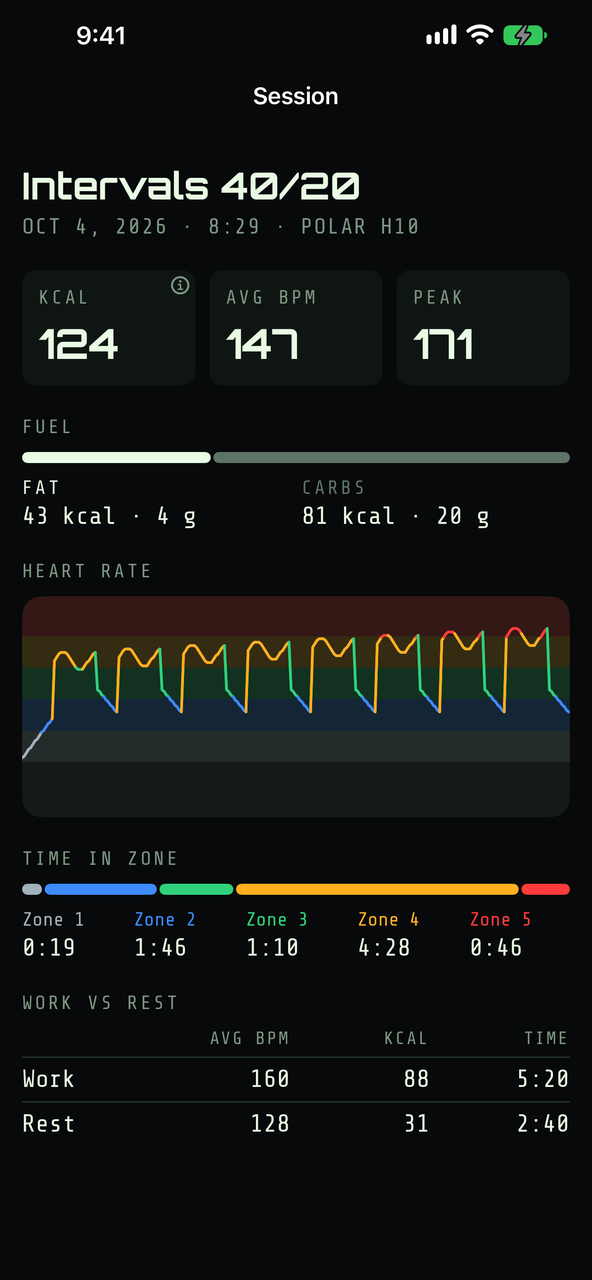
Pair a Bluetooth heart-rate strap or watch and the iPhone shows your live zone and beats per minute while the workout runs, the last ninety seconds as a trace, and calories, average and peak as you go. Swipe to it and back to the clock — it is a page of the timer, not a separate app.
When the workout ends it is written up in that session's own page: time in each zone, work against rest, and the split between fat and carbohydrate burned.
iPhone only, and yours alone: the reading never reaches the wall, the box, or us. It stays on the phone.
Every session, kept
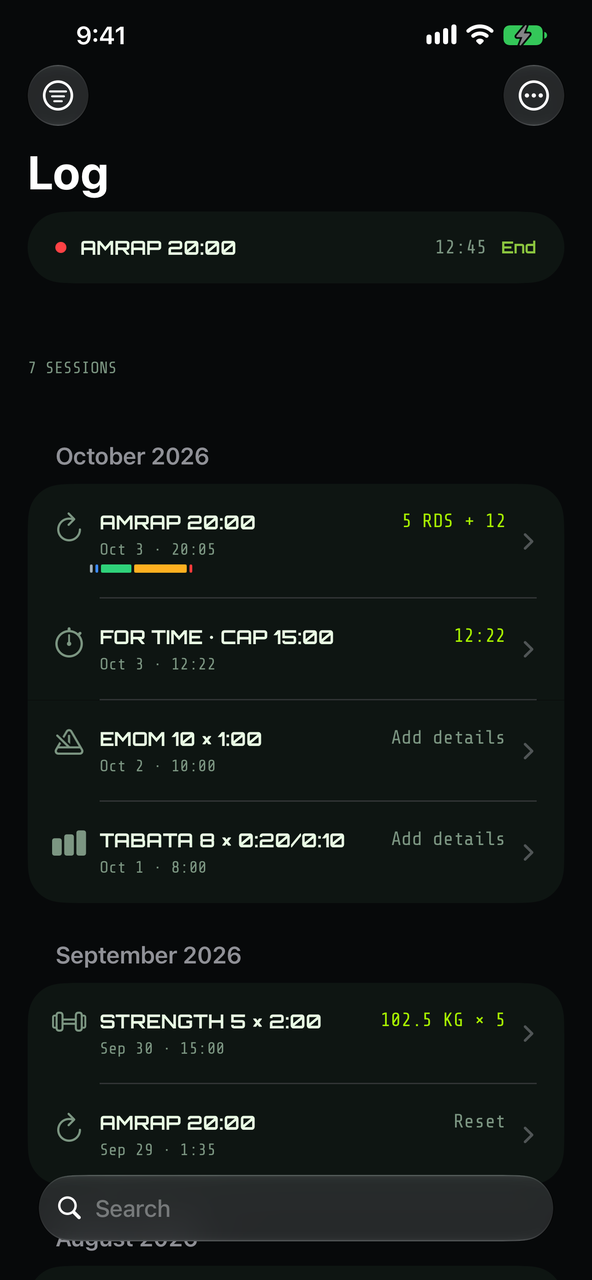
Every run the timer times becomes a session: the workout, how long it took, when it was. That happens on its own, with or without a strap — you do not start a recording or remember to save one.
Add your score afterwards and it lines up against the last time you did that workout. Tap out rounds as you go and the score is already filled in when you get there; tap FINISH on a For Time and your own time is the one that counts, not the clock's. Strength sets are logged set by set, with the weight from your last one already dialled in.
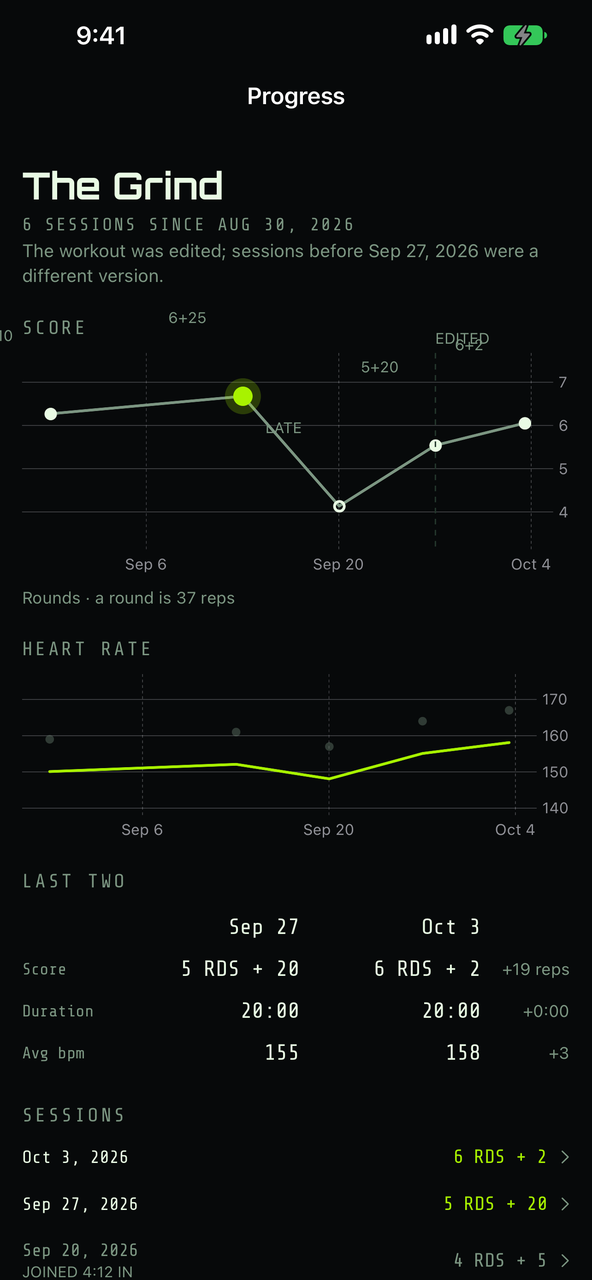
Sessions of the same workout make a series, so the chart answers the only question worth asking: faster, or heavier, than last time. Headwall is careful about what counts — a session you joined halfway through is marked LATE, and if you changed the workout itself the chart draws the line where that happened.
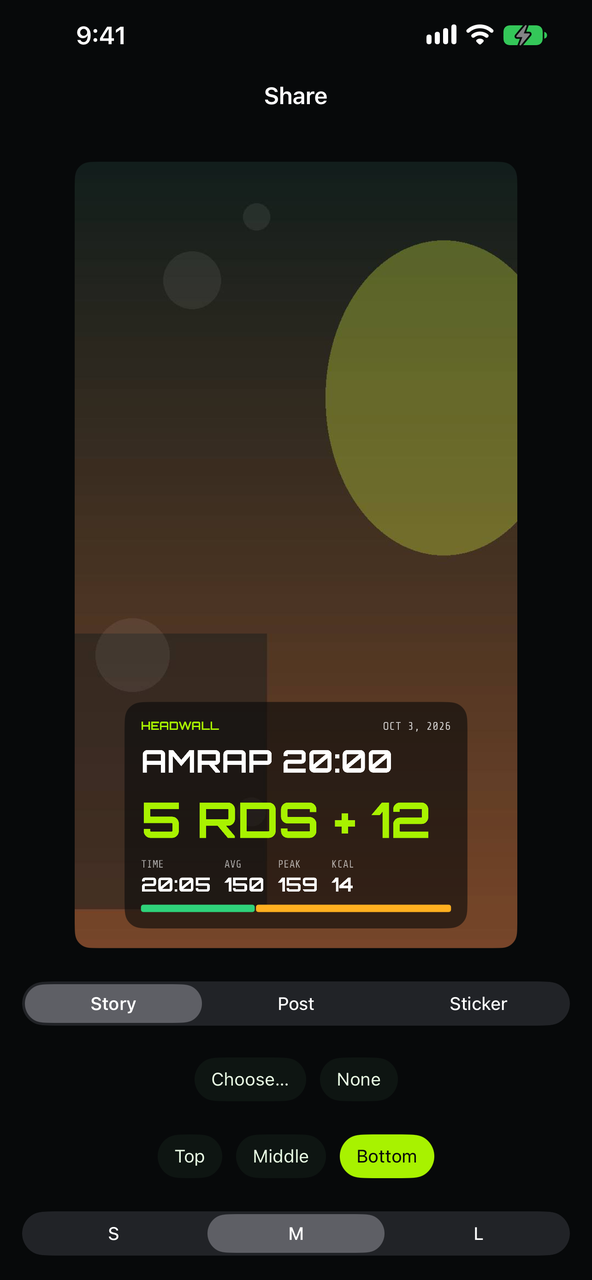
When it went well, make a card for it: your score, your time, your heart rate, over a photo or the wall's own colours. It is drawn on the phone, and it goes wherever you send it.
iPhone only, and yours alone. Each session is a file on your phone — nothing is uploaded, and there is no account to upload it to.
For the whole room
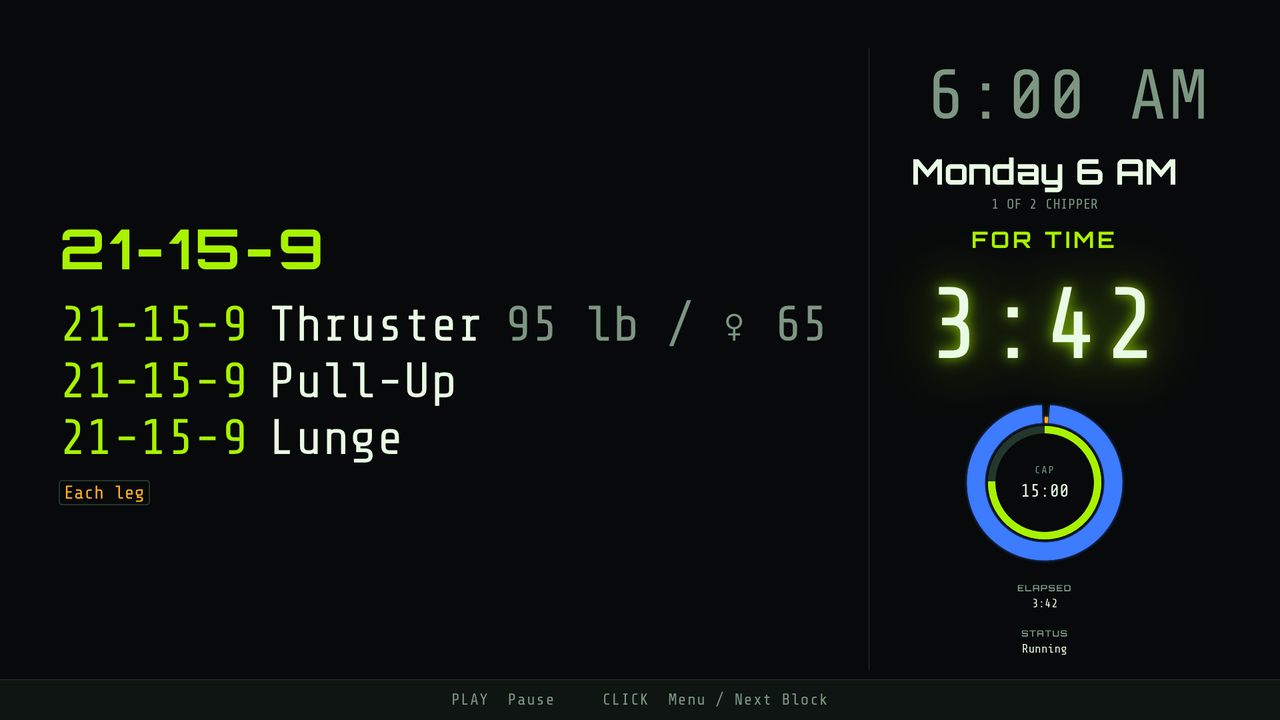
When the workout belongs to everyone, put it on the wall. One screen runs the clock and every other screen follows it, so the timer at the back of the room reads the same as the one at the front.
A Headwall box, on any TV.
A small box plugs into a TV over HDMI and becomes the head timer: the clock, the current block, the day's workout. It hands any phone a controller with no app installed, and it updates itself.
Headwall TV, on Apple TV.
The same wall on an Apple TV you already own. It can be the head timer itself, or follow a box in the same room — for as long as the app is on screen.
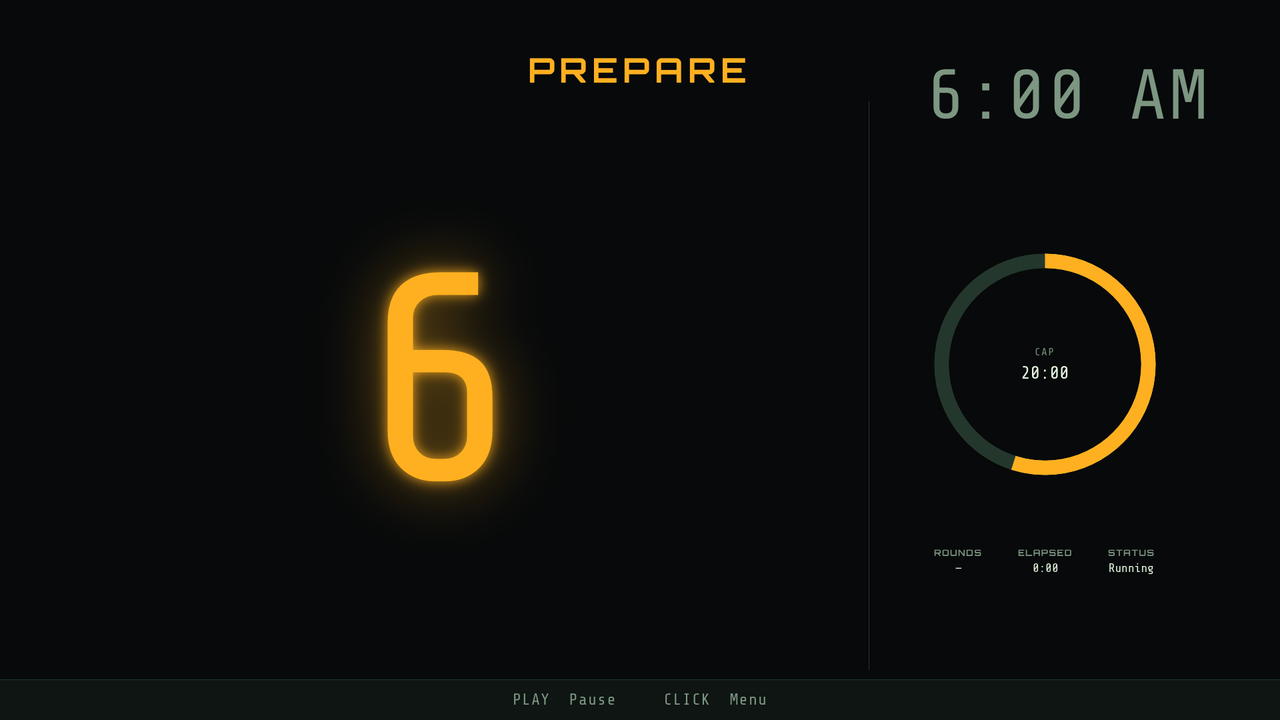
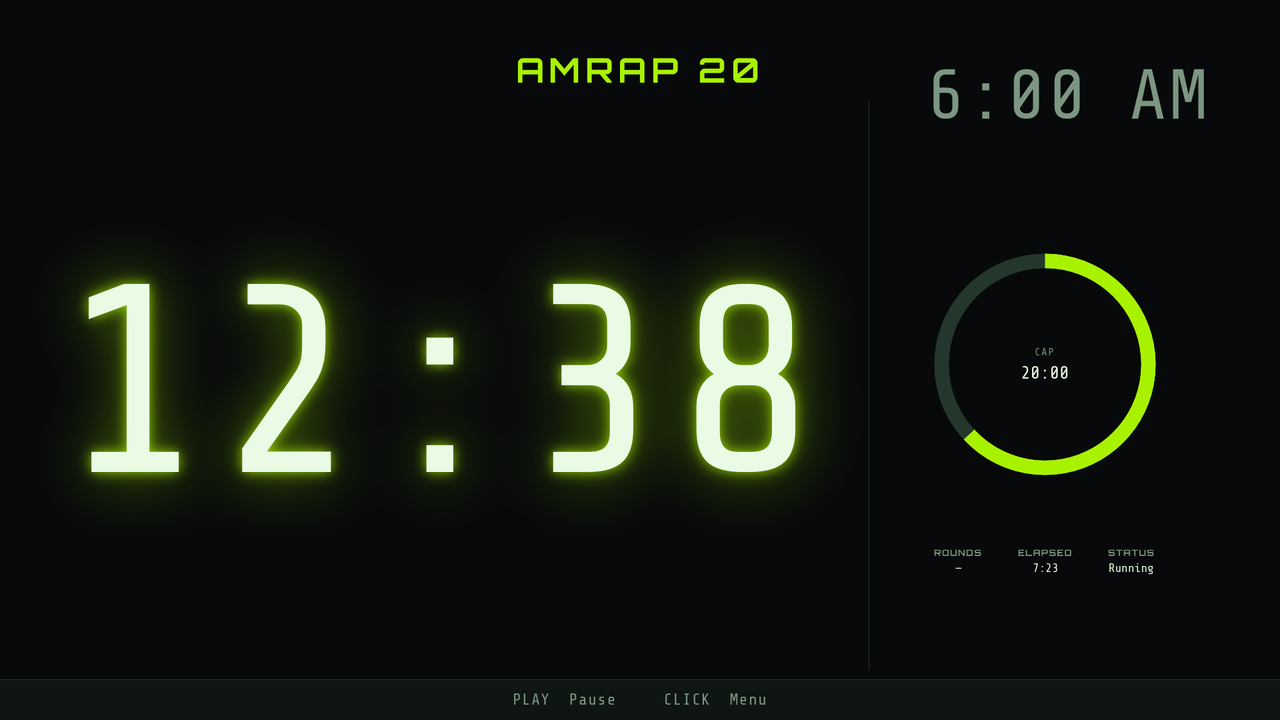
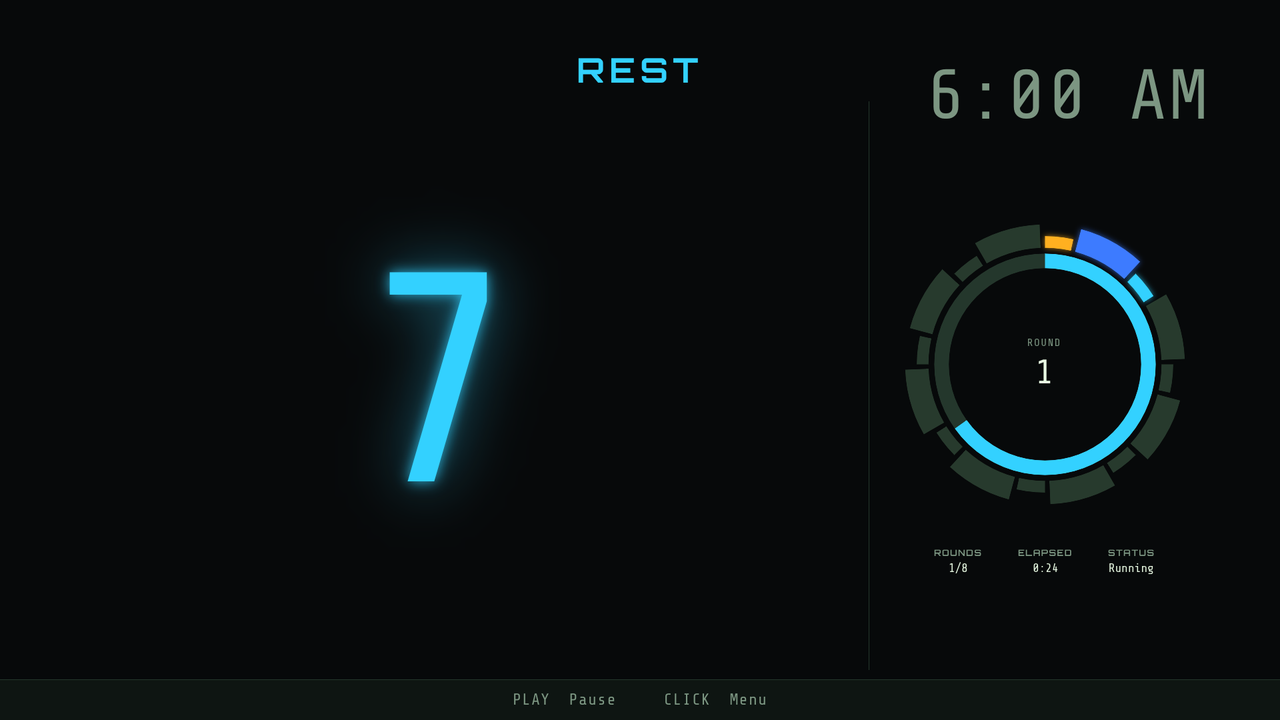
Scan the code on the wall once and the same phone that ran your own timer now runs the room's: start, pause and reset, pick the workout, and write up the day. Workouts are written on the phone — that is the one place an editor lives.
Nothing leaves your phone
Headwall talks to the things you point it at — a strap you pair, a wall on your own Wi-Fi — and to nothing else. No sign-up, no cloud, no analytics, no data collected. Your workouts, your sessions and your heart rate stay on your own device. Read the privacy policy; it is short. If the internet goes down mid-workout, nobody notices.
Want it for yourself, or for your gym's wall? support@headwall.app