 HEADWALL
Headwall TV
An Apple TV you already own becomes the wall. It can run the timer for the room, or follow a timer another screen is running — one setting decides which.
In testing now, not yet on the App Store — get in touch if you want in.
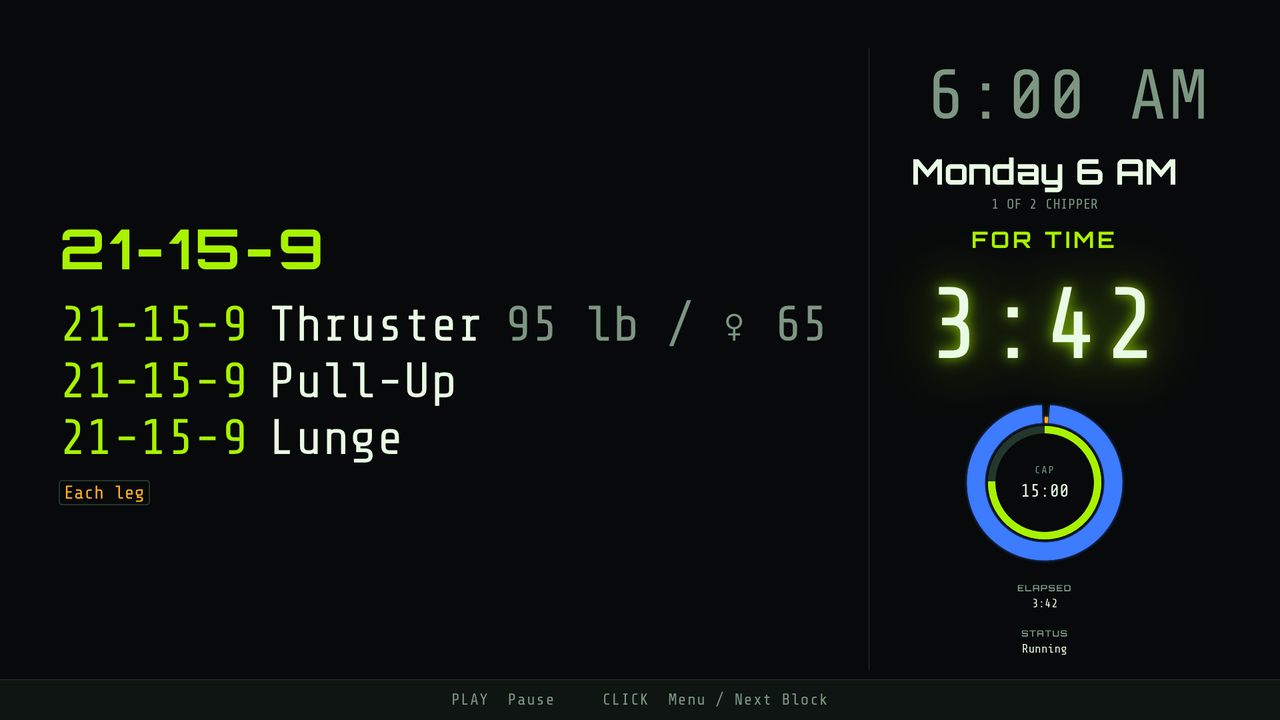
The head timer, or a screen that follows one
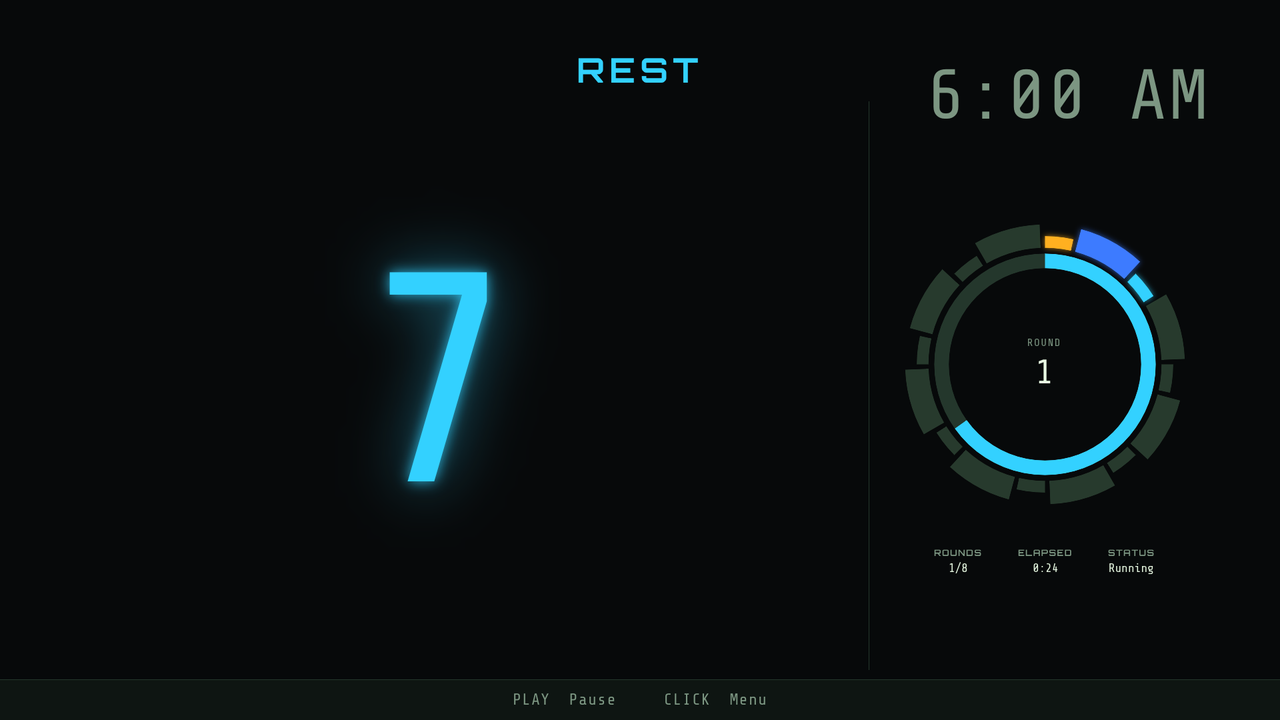
Paired to nothing, it is the head timer: it runs the clock and other screens can join it. Point it at a box and it becomes a display — the clock and nothing else, because a screen that is following does not need its own controls. Two head timers on one network is the one state it will not create.
The Siri Remote drives it.
Click for the menu, pick a mode or a workout, start and pause. No phone needed to run the room, though a phone can.
150 hero workouts on the remote.
The whole library as a grid you can walk with the D-pad. Names set large, because across a room the name is what a coach is reading.
Timer first, or movements first.
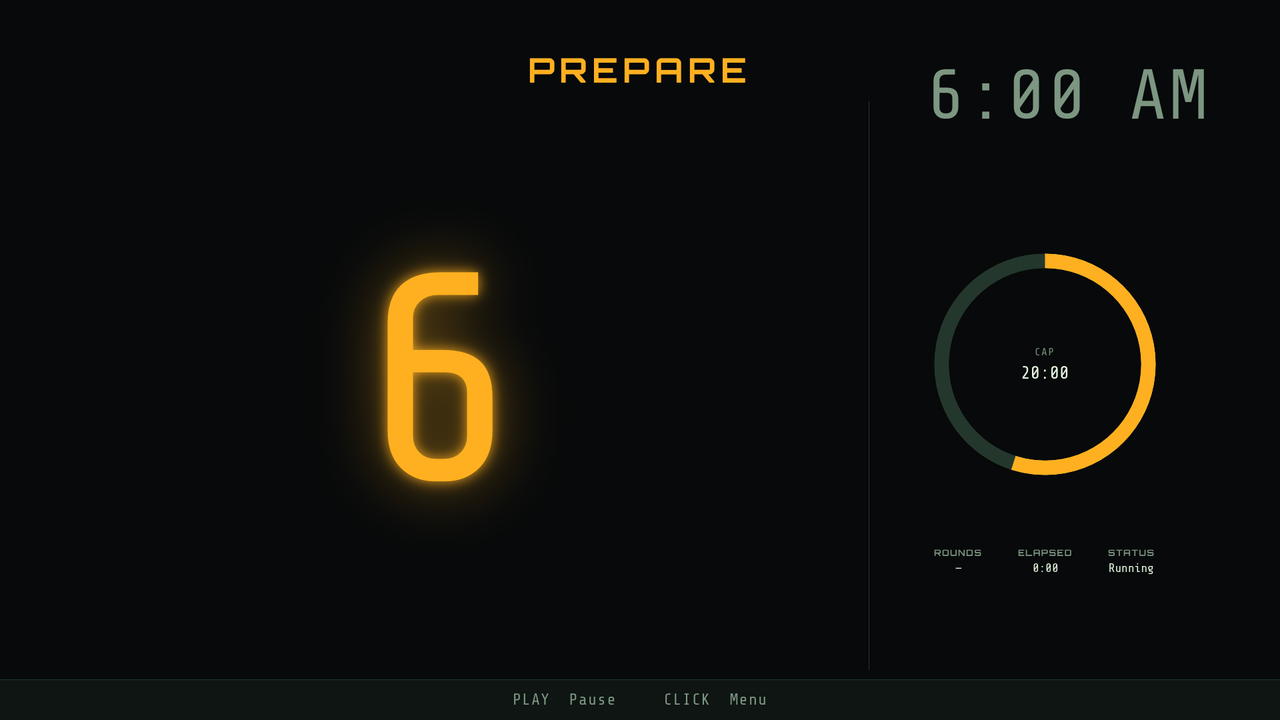
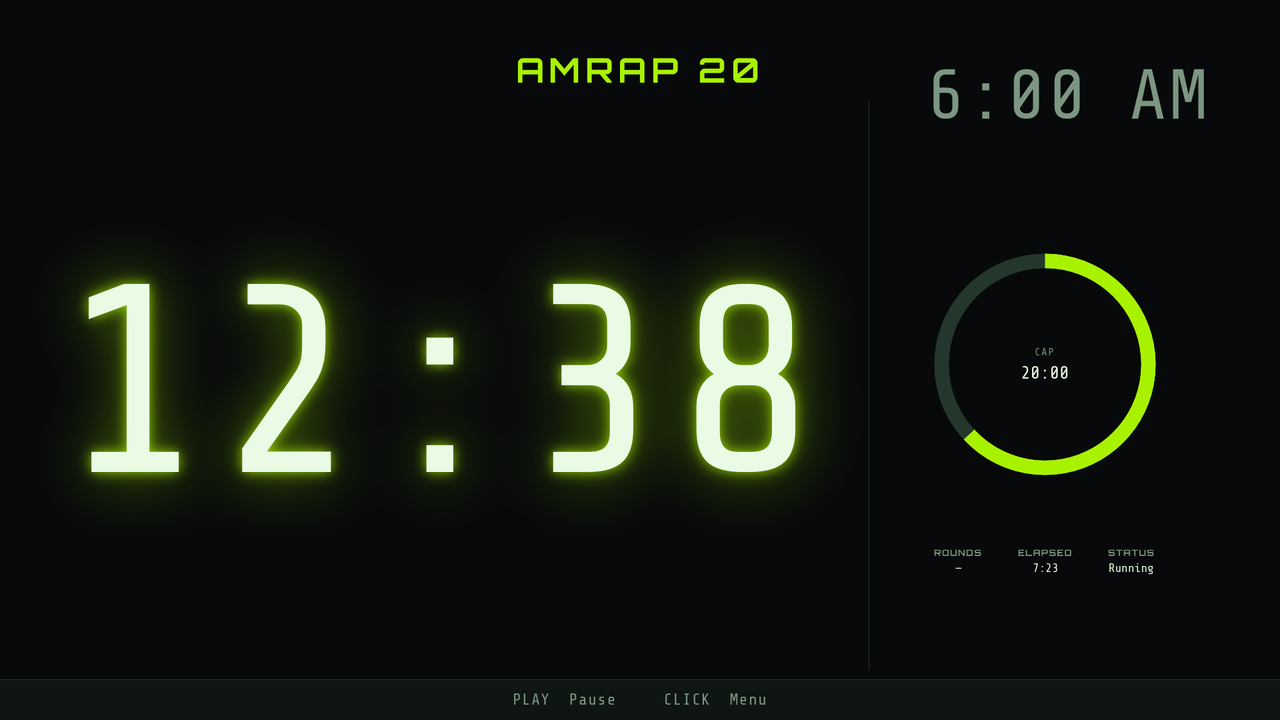
A full-screen clock, or the block's movements with the clock alongside. Each screen decides for itself, so two TVs on one timer can show different things.
A pairing code for phones.
Show a code and a QR from the menu; the Headwall app scans it or you type the eight characters.
What it deliberately does not do
Headwall TV is a second product, not a replacement for the box. The difference is worth knowing before you choose.
- It has to be on screen. tvOS suspends an app that isn't frontmost, so an Apple TV that has gone to sleep or home is simply not there for the other screens. Somebody presses play.
- No kiosk. tvOS has no way for an app to own the home screen or relaunch itself after a power cut. The box does both.
- No Wi-Fi setup and no updates of its own. tvOS has its own network settings and its own remote, and the App Store handles updates.
- No camera, so no scanning. It shows codes; it does not read them.
- It serves nothing to a phone without the app. A box hands any phone a web controller; an Apple TV cannot.
Requirements
- Apple TV running tvOS 16 or later.
- An iPhone or iPad with Headwall if you want to write workouts or drive it from the floor.
- Everything on the same Wi-Fi network.
Questions? support@headwall.app